 ZenWrit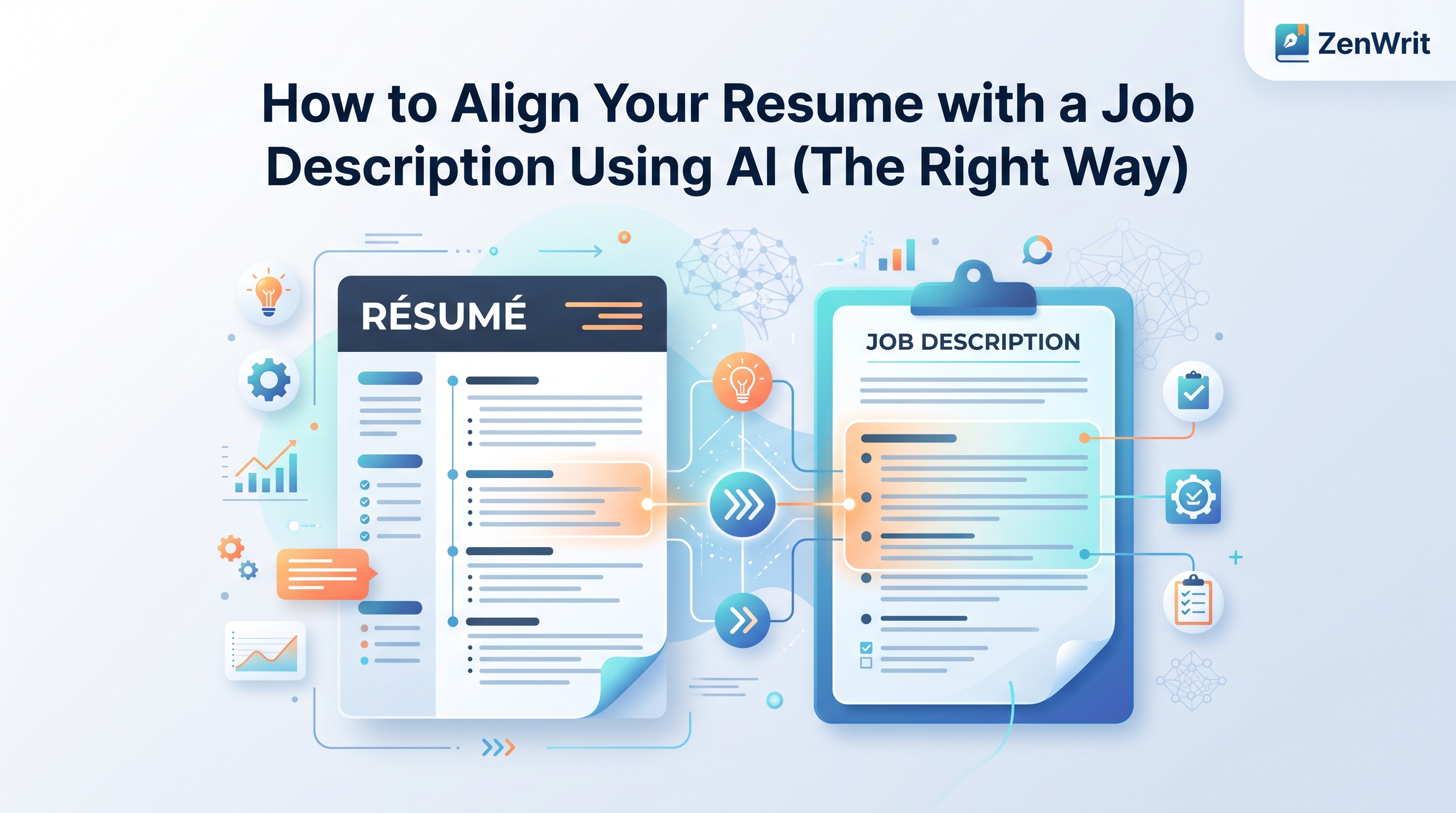
How to Align Your Resume with a Job Description Using AI (The Right Way)
Most job seekers use AI to rewrite their resume and wonder why they still get no callbacks. The problem isn't the AI it's how you're using it.

Align Your Resume with Any Job Description
You've rewritten your resume forty-three times this month.
Different job titles. Different bullet points. Different summary paragraphs that all somehow sound identical by the end. You're doing everything the career advice internet tells you to do — tailoring, customizing, optimizing — and the silence from recruiters is somehow getting louder.
Here's what most job seekers miss: the problem isn't that you're not tailoring your resume. The problem is how you're tailoring it. Specifically, the way most people use AI to do it creates a different set of problems than the ones it solves.
This is a walkthrough of what actually works — and what quietly kills your chances before a human ever reads your name.
The Danger of "Recruiter Red Flags" via AI
When a recruiter sees the phrase "results-driven professional with a proven track record of delivering impactful solutions across dynamic environments," they don't read it. They've already moved on.
Not because they're lazy — because they've seen that exact sentence, or a structural cousin of it, in a large share of the resumes in their queue.
AI text generation leaves patterns. Not watermarks you can see, but rhythmic fingerprints: sentences that are grammatically perfect but tonally identical to every other AI-generated resume. Bullet points that start with the same seven verbs in rotation. Soft skills listed in a specific cadence — "collaborative, adaptable, detail-oriented" — that appears so frequently recruiters have started treating it as a spam signal rather than a qualification.
There's also the keyword injection problem. Someone pastes a job description into ChatGPT and asks it to "optimize" their resume. The AI adds the missing keywords — but adds them without context. "Experience with Salesforce CRM" appears in a bullet about something unrelated to CRM. "Cross-functional collaboration" is used twice in three lines. Modern ATS platforms like Workday and Greenhouse are increasingly trained to flag keyword stuffing, not reward it.
Lazy AI optimization doesn't just fail to help. It actively signals that you didn't write your own resume.
Step-by-Step: The Contextual Optimization Blueprint
Step 1: Deconstructing the Job Description
Before you touch your resume, spend eight minutes pulling the job description apart.
Make two columns. On the left: hard skills — specific tools, platforms, certifications, and technical competencies listed in the posting. Python. Salesforce. Google Analytics. AWS. These are non-negotiable; either you have them or you don't, and the ATS is specifically scanning for them.
On the right: soft skills — "strong communicator," "thrives in fast-paced environments," "collaborative mindset." These matter to the hiring manager who writes the job description, but they carry almost no algorithmic weight. Don't waste bullet points restating them verbatim.
Your job is to make sure every hard skill in column one appears in your resume — once, in context, connected to actual work you did. Not listed in a skills section at the bottom where ATS systems give it half the weight of skills mentioned inside work experience.
Step 2: Semantic Matching
Here's something most resume advice gets wrong: modern ATS systems don't just match exact strings. Workday, Greenhouse, Lever, and iCIMS all use varying degrees of semantic analysis — meaning they understand that "managed paid search campaigns" and "oversaw SEM strategy" are likely the same thing.
This works in your favor, but only up to a point. Synonyms get you through the door. Exact matches get you ranked higher. If the job description says "project management" and your resume says "program coordination," a modern system will likely connect them. But if the role specifically requires "PMP certification" and you list "project management certificate," that's a gap the system will flag — because it's looking for a specific credential, not a category.
The practical rule: match the exact language for hard skills, certifications, and specific tools. Use natural language everywhere else. Don't write "utilized Python scripting language for data pipeline automation" when "built Python data pipelines" says the same thing with more clarity and less padding.
Step 3: Merging Metrics
A bullet point without a number is a claim without evidence.
"Improved sales performance" tells a recruiter nothing. "Grew inbound pipeline by 34% over two quarters by restructuring the qualification process" tells them what you did, how you did it, and what it was worth.
AI is genuinely useful at this step — but only if you feed it real data. Don't ask an AI to "improve your bullet points." Give it the raw facts: what the project was, what you specifically did, and any numbers you remember (percentages, dollar figures, team sizes, time saved, error rates reduced). Then ask it to shape those facts into a tight achievement bullet.
The output will be better because you gave it something real to work with. And it won't read like everyone else's AI resume because it's built on specifics only you have.
Keeping Your Format Clean
An ATS friendly resume format is boring by design. That's the point.
Text boxes break parsers. Tables cause columns to merge into unreadable strings. Headers and footers are frequently skipped entirely — which means your contact information, if it lives in a header, may not exist as far as the system is concerned. Multi-column layouts that look clean in Microsoft Word often collapse into a single garbled column when an ATS extracts the text.
Strict rules for a format that passes:
Use a single column. Every piece of information runs top to bottom in one continuous flow.
Standard section headings only. "Work Experience," "Education," "Skills," "Certifications." Not "Where I've Made an Impact" or "My Toolkit." ATS systems are trained on conventional labels.
No graphics, icons, or text boxes. If you built your resume in Canva or used a heavily designed Word template, the visual version and the parsed version are two different documents. The parsed version is what gets scored.
Dates in a consistent format. "Jan 2022 — Mar 2024" throughout. Mixing "2022-2024" with "January 2022 to March 2024" creates parsing inconsistencies in some systems.
Save as PDF — but verify it's a text PDF. Scanned PDFs are images. An ATS reads an image as a blank page.
Common resume formatting errors aren't design mistakes — they're technical ones. A resume that looks polished in print can be completely invisible to an online resume scanner.
The Safe Testing Loop
Before you submit anything, test it.
You've spent time pulling keywords, rewriting bullets with real metrics, and cleaning up the format. Don't guess whether it worked.
Stop guessing if the system can read your changes.
Run your draft through the Free ATS Resume Checker on ZenWrit. Get an immediate compatibility score and see the exact missing keywords in 30 seconds — and if you're unsure what that number means, here's how to read your ATS score — without creating an account.
→ Check my resume free at zenwrit.com
ZenWrit runs 20+ checks across parsing ability, keyword alignment, content quality, and recruiter red flags. It tells you specifically what the system can't read, which keywords are missing from the job description you paste in, and which issues to fix first. Free, no login, results in under 30 seconds.
It's the equivalent of a test send before a critical email — takes 30 seconds and saves you from submitting something broken.
Real Recruiter Q&A
Q: If I optimize my resume for ATS, will it read as robotic to the actual hiring manager?
Only if you optimize incorrectly. The error most people make is treating ATS optimization and human readability as competing goals. They aren't. A resume that clearly states what you did, names the tools you used, and attaches numbers to your outcomes is both machine-readable and compelling to a human reader. The robotic problem comes from keyword stuffing and AI-generated filler — not from using precise, specific language.
Q: My resume scores low on ATS checkers but I'm getting interviews. Should I still optimize?
Yes — but understand what's happening. You're probably getting interviews from roles where someone referred you, or where the recruiter manually sourced your profile. In those cases, the ATS gate was bypassed. When you apply cold through a job board, that gate is the only thing standing between your resume and a recruiter's screen. A low ATS score on cold applications means a significant percentage of your submissions are ending in an automated rejection before anyone reads them.
Q: How often should I update my resume's keyword alignment for the same type of role?
Every time you apply to a meaningfully different company. Job descriptions for the same title vary significantly by company size, industry, and tech stack. A "Senior Marketing Manager" role at a B2B SaaS company and the same title at a consumer goods brand will use different vocabulary, prioritize different skills, and weight different tools. A version that performs well for one may score poorly for the other. The optimization is per-application, not per-job-title.
Q: Can a recruiter actually tell when someone has used AI to write their resume?
Experienced ones, yes — and faster than most candidates expect. The tell isn't a single phrase; it's a combination of signals. Bullet points that are all the same length. A summary paragraph that could describe literally anyone in your field. Soft skills listed in the exact same order and cadence as every other AI resume (collaborative, detail-oriented, results-driven). The absence of anything specific — no tool names, no team sizes, no real numbers. If every sentence could apply to a different person in your role, a recruiter will notice that none of it is distinctly about you.
Was this article helpful?
Be the first to rate this article
Get weekly resume tips
Practical ATS and job search advice every week. No fluff, unsubscribe anytime.
Keep reading
Is your resume ATS-ready?
Run a free compatibility check — no account, no limits, nothing stored.
Check my resume