 ZenWrit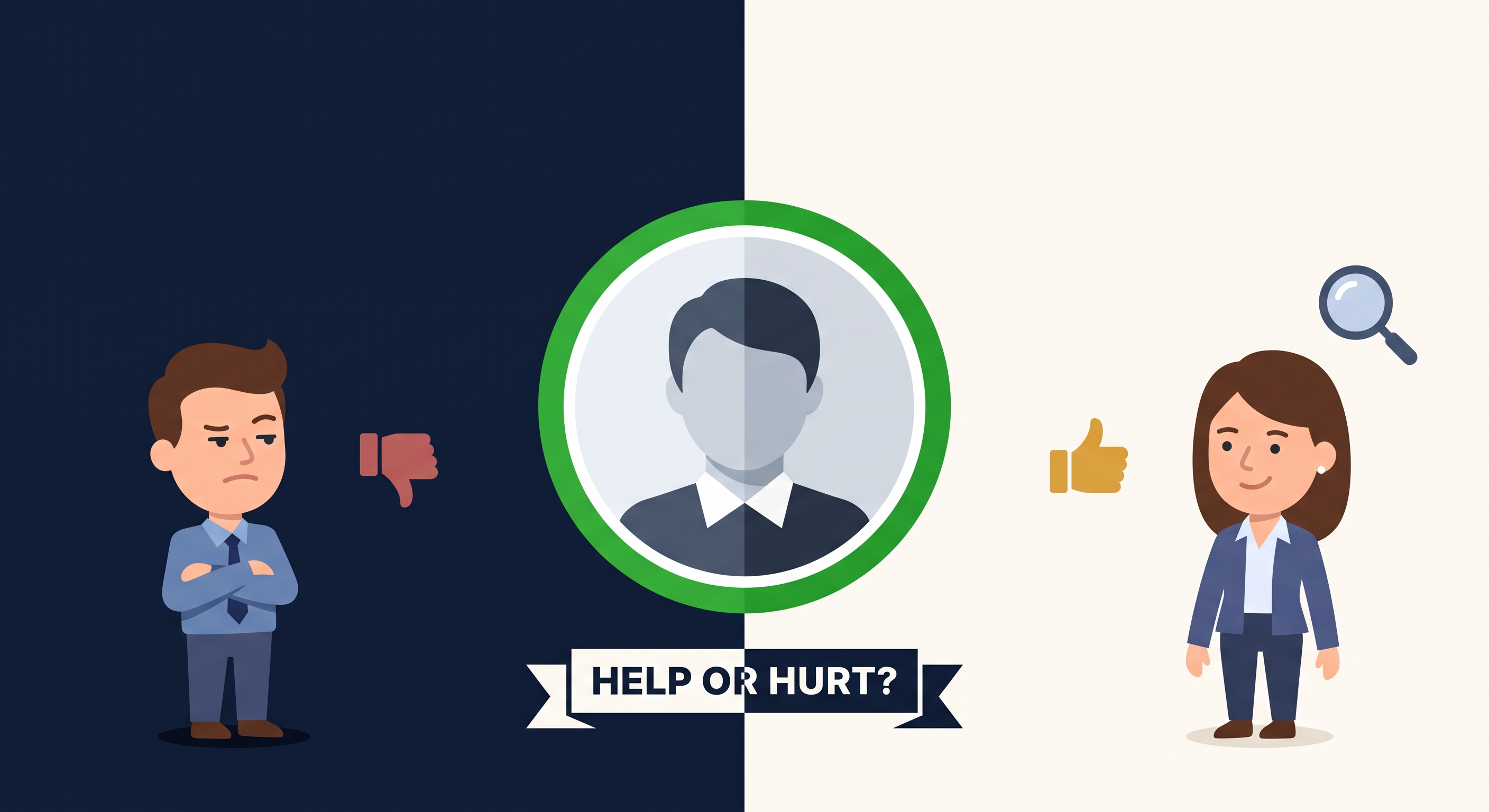
Does LinkedIn's "Open to Work" Badge Actually Help or Hurt You?
A viral post this year told job seekers to never use the green badge. LinkedIn's own numbers say it drives more recruiter outreach. Both are technically true here's what the actual survey data shows about when it helps and when it doesn't.

Does the LinkedIn Open to Work Badge Help or Hurt? 2026 Data
A viral post this year told job seekers to never use the green badge. LinkedIn's own numbers say it drives more recruiter outreach. Both can be true at once — here's how to tell which half of the data applies to your situation.
There's a green frame around millions of LinkedIn profile photos that might quietly change whether a recruiter ever messages you — and a loud minority of hiring managers thinks it marks you as desperate. The question isn't whether the Open to Work badge works in theory; it's whether turning it on helps or hurts you, in your market, at your level. As Fast Company reported, engineer Ben Lang's July 19 X post calling the badge a "negative signal" passed a million views — which tells you how much anxiety this one green ring carries, not who's right.
The data on each side
The two camps in this debate aren't arguing about the same thing, which is why it never resolves. One side has platform data. The other has practitioner instinct. Both deserve a hearing.
LinkedIn's case is numerical: the company says public-badge members are nearly twice as likely to receive a recruiter message and find jobs more than 20% faster, and more than 60 million people display the public frame. That's the strongest single dataset in this debate, and it comes from the platform itself — which is both why it's credible and why you should read it carefully. LinkedIn has an obvious interest in more engagement, and "nearly twice as likely" is a correlation: people who turn on the badge may also be more active job seekers generally. Still, a 2x message rate is a big enough gap that it can't be pure selection effect. The mechanism is straightforward — recruiters filter for it.
The skeptics' case is anecdotal but persistent: senior hiring managers argue the badge reads as desperation, especially for experienced candidates, and that the best opportunities come through warm introductions where the badge is irrelevant. This isn't data — it's pattern recognition from people who hire. And it has at least one prominent named voice: Nolan Church, a former Google recruiter and now CEO of FairComp, told CNBC Make It that the badge can read as a red flag for hiring managers — he's on record calling it the worst social media feature ever pushed to production. When someone who's sat on the hiring side says the quiet part out loud, it's worth listening even without a survey attached.
There's also a genuinely interesting dataset that cuts against the simple narrative. Aline Lerner and Maxim Massenkoff, the co-founders of Interviewing.io, tracked how engineers with the #OpenToWork hashtag performed in technical interviews (reported by TechCrunch). In 2021, badge-displaying engineers passed interviews at 44% versus a 51% average — a real negative signal. By 2023, the effect had flipped: #OpenToWork engineers passed at 56%, five points above average. Two caveats: this is engineer interview-performance data from 2021–2023, not a hiring-manager survey, and it measures the hashtag era more than today's badge. But it's the closest thing to a longitudinal read we have, and it suggests the stigma — if it was ever real — has faded as the badge normalized.
How the badge actually works (both versions)
A lot of the anxiety around the badge comes from not knowing what it does. There are two separate settings, and they're different products:
The public frame (#OpenToWork photo frame). This is the green ring around your profile photo that everyone can see. It signals availability to your whole network, appears in search results, and is what the viral debates are about. It's also what LinkedIn's "2x recruiter messages" number refers to.
Private mode ("recruiters only"). Buried in your job-seeking preferences is the option to share your job-search status with recruiters using LinkedIn Recruiter without showing anything publicly on your profile. No green frame, no public signal — but you still show up in recruiter searches filtered for open candidates. This is the setting most of the "never use the badge" discourse forgets exists.
Knowing the difference dissolves about half the debate. The question was never "badge or no badge." It's "public signal, private signal, or neither" — and the right answer depends on your situation.
A verdict framework: should you use it?
Here's my honest take, situation by situation. This is editorial judgment, not survey data — but it's judgment built on the numbers above.
Early-career or junior: turn the public badge on. My take is that this is the clearest win on the board. The "desperation" read barely exists at junior levels — nobody expects a recent graduate to play hard to get — and the recruiter-discovery benefit is largest when you have the least network to lean on. The 2x message lift matters most when your baseline is near zero.
Employed and quietly looking: use private mode. You get the recruiter-search benefit without the public signal. Set your job preferences, keep your headline focused on what you do (not "seeking opportunities"), and let recruiters come to you.
Senior or executive: private mode, or off. In my view, the calculus shifts at senior levels. When you're hiring at the top of the market, perceived demand is part of your leverage, and the public frame can read as a distress signal to exactly the people whose perception matters most. Your opportunities come through your network and retained search anyway — the badge adds little and risks something. If you use anything, make it the private setting.
Recently laid off: public badge, paired with a strong headline. Being laid off in 2026 carries no stigma — it's a market condition, not a verdict. The badge plus a headline that states what you do (not "open to work" as your whole identity) reads as proactive, not desperate. In my view, this is the case where the badge's critics are most wrong: hiding your availability after a layoff helps no one.
Career changer: badge on, but the story matters more. The badge tells recruiters you're available; it doesn't tell them why a marketer should get the product-manager interview. If you're switching fields, the badge matters less than whether your profile tells the pivot story convincingly — our career-change resume guide covers how to frame that. Badge plus clear positioning beats badge alone every time.
Freelancer or consultant: skip it. The badge is built for full-time job seekers. If you're selling services, LinkedIn's Services page and a headline that states what you deliver will do more for you than a green frame.
How to turn it on and set it up right
If you've decided the badge is for you, set it up deliberately — the defaults aren't always the best choice:
- Choose your visibility first. Go to your profile, click the "Open to" button under your headline (or your profile photo → Add frame → #OpenToWork), then find the visibility setting. "All LinkedIn members" is the public frame. "Recruiters only" shares your status with people using LinkedIn Recruiter without showing anything publicly on your profile. Pick based on the framework above — this one choice is most of the decision.
- Set your job preferences properly. Add up to five job titles you're targeting, your preferred locations (include "remote" if applicable), start date, and job types. Recruiters filter on these fields — vague preferences mean you show up in the wrong searches or none at all. Be specific: "Product Manager, fintech, remote" beats "open to opportunities."
- Don't make the badge your headline. Your headline is searchable prime real estate. "Senior Backend Engineer | Python, Go | ex-Fintech" gets you found for the right roles; "Open to Work" as a headline wastes the slot and amplifies the desperation read the critics warn about. Let the frame do the signaling; let the headline do the selling.
- Keep it current. A badge on a profile you haven't touched in six months signals "gave up" more than "available." If you're actively searching, stay active: post occasionally, comment on industry content, keep the profile fresh. The badge works best as part of an alive profile, not a substitute for one.
What recruiters actually see
It helps to understand the other side of the screen. When a recruiter opens LinkedIn Recruiter and searches for candidates, "open to work" is a filter — one checkbox among many. Checking it narrows a thousand results to the few hundred who've signaled availability, and in a busy recruiter's workflow, that filter gets used. This is the unglamorous mechanical truth behind LinkedIn's 2x number: the badge doesn't persuade anyone you're great. It puts you in the smaller pile that gets looked at.
What happens next is the same as any other application: your headline, experience, and relevance decide whether they message you. The badge gets you seen; your profile gets you contacted. That's why the badge-plus-weak-profile combination underperforms — it optimizes the step that wasn't the bottleneck.
And the stigma question? From the recruiter's side, it's mostly a non-issue at the sourcing stage. Recruiters are measured on hires, not on judging who's desperate. The "red flag" read lives more among hiring managers reviewing finalists than among sourcers building pipelines — which is another reason senior candidates should think twice about the public frame while junior candidates shouldn't worry at all.
What to do in addition to the badge
The badge is a visibility tweak, not a strategy. The people who get the most out of it pair it with the things that actually drive recruiter attention:
- Post about your search once, well. A single thoughtful post about what you're looking for — specific roles, what you bring, what excites you — outperforms months of silent badge-wearing. And it doesn't hurt your reach: here's what LinkedIn's 2026 algorithm actually rewards, so you're not posting into the void.
- Engage where hiring happens. Comment substantively on posts by people at your target companies. Recruiters notice familiar names in their notifications. This is the slow-burn version of the warm introduction the skeptics rightly praise.
- Keep the resume behind the profile sharp. When the badge works and a recruiter clicks through, the next thing they see is your experience section — which should read like a resume, with quantified results. If it doesn't, fix that before you optimize anything else.
The bottom line
The badge is neither poison nor magic. It's a visibility tool with a signaling cost, and the trade lands differently depending on where you sit. LinkedIn's data says the public frame roughly doubles recruiter outreach; practitioner instinct says the public frame can cost you perceived leverage at senior levels; the longitudinal interview data suggests whatever stigma existed has faded as 60 million people adopted it.
My rule of thumb: if you're early-career, laid off, or switching fields, turn it on and don't overthink it. If you're senior or employed, use the private setting. And whatever you choose, remember that the badge is the smallest part of the equation — it's the profile behind it, and the activity around it, that actually gets you hired.
Frequently Asked Questions
Does the LinkedIn Open to Work badge actually help? LinkedIn's own data says public-badge users are nearly twice as likely to receive a recruiter message and find jobs more than 20% faster, with 60M+ users displaying the frame. It's the platform's data, so read it with that in mind — but the mechanism (recruiters filter for it) is real.
Do hiring managers think less of candidates using the badge? There's no reliable recent survey on this — the often-quoted percentages come from a survey I couldn't verify, so I've removed them rather than repeat numbers I can't source. What we do have is practitioner opinion: former Google recruiter Nolan Church told CNBC Make It the badge can read as a red flag, while LinkedIn's data says the public frame drives outreach. Most of the hostility you hear is anecdote, not data — which is exactly why the verdict above is situational, not universal.
What's the difference between the public badge and private mode? The public frame (#OpenToWork) is visible to everyone on your profile and in search. Private mode shares your job-search status only with recruiters using LinkedIn Recruiter — it's not shown publicly on your profile. Same discovery benefit, no public signal.
Should executives use the Open to Work badge? In my view, probably not the public version. At senior levels, perceived demand is part of your negotiating leverage, and the public frame can undercut it. Use the private recruiter-only setting, or rely on your network and executive search directly.
Does the badge affect how the LinkedIn algorithm treats me? The badge itself is a profile setting, not a content signal — it doesn't change how your posts rank. What changes your visibility is activity: posting, commenting, and keeping your profile current. The badge gets you into recruiter filters; your activity gets you into feeds.
Sources: Fast Company (reporting on LinkedIn's badge data: ~2x recruiter messages, 20%+ faster hiring, 60M+ public-frame users); LinkedIn (via Fast Company); CNBC Make It (Nolan Church, former Google recruiter, on the badge as a red flag); TechCrunch (Interviewing.io: Aline Lerner & Maxim Massenkoff on #OpenToWork interview pass rates, 2021 vs 2023).
Was this article helpful?
Be the first to rate this article
Get weekly resume tips
Practical ATS and job search advice every week. No fluff, unsubscribe anytime.
Keep reading
Is your resume ATS-ready?
Run a free compatibility check — no account, no limits, nothing stored.
Check my resume